Removable disk encryption

Have you ever lost a removable drive? Whether it is a hard drive connected to the computer through USB or a small in its size flash-drive, any of those are exposed to the risk of being lost or stolen upon their handling. No one will secure you against such cases, but the first thing to do is to secure the information stored on these disks. You can never know who will get your files and how they will be used. Moreover, in case this USB disk contains unprotected files representing a trade secret, the size of the company losses will most likely go far beyond the cost of the device itself. Even if there were your personal pictures or videos stored on it, it will hardly be OK with you that they get into the hands of a stranger.
The most convenient way is to encrypt the removable disk. Then, regardless of the number, volume and type of files, all the information will always! be kept encrypted. In order to access it you will need a password that you create yourself. If the password is too long and complicated, a violator will suffer a disappointing failure upon trying to crack the protection. It will not even be possible to find out the name, volume and number of encrypted files, to say nothing of their contents.
This problem can be solved with the help of the software specially designed for disk encryption. Most convenient and easy-to-use is the solution of the Exlade company - Cryptic Disk.
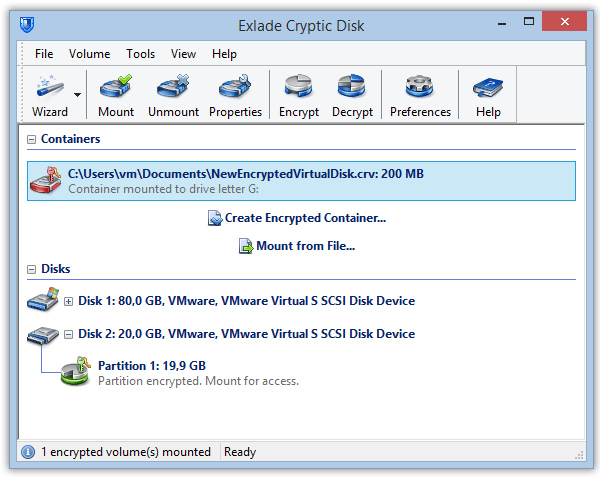
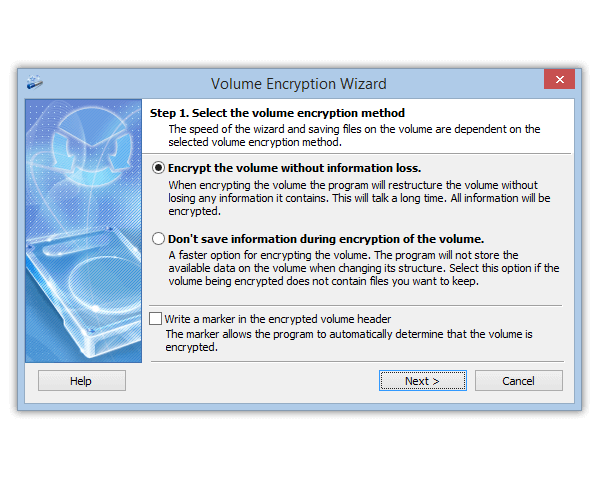
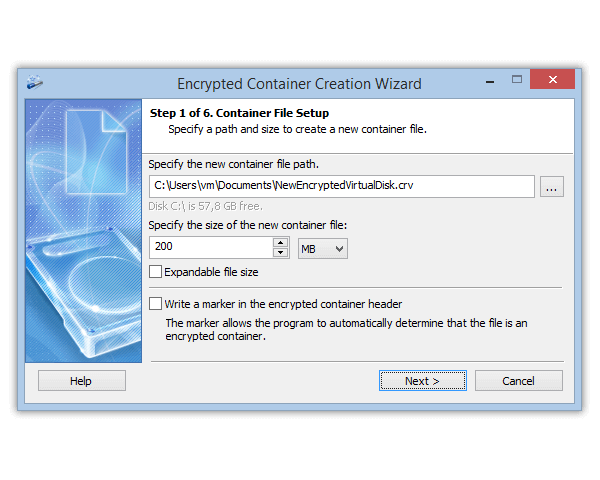
As it has been mentioned before, it is very easy to use the program. First you need to find a disk connected to the system and start its encryption. When the process is complete your disk will not be a simple disk, but аn encrypted removable drive!
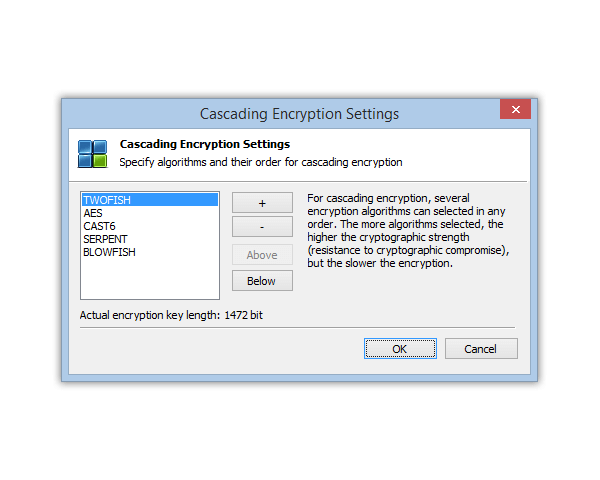
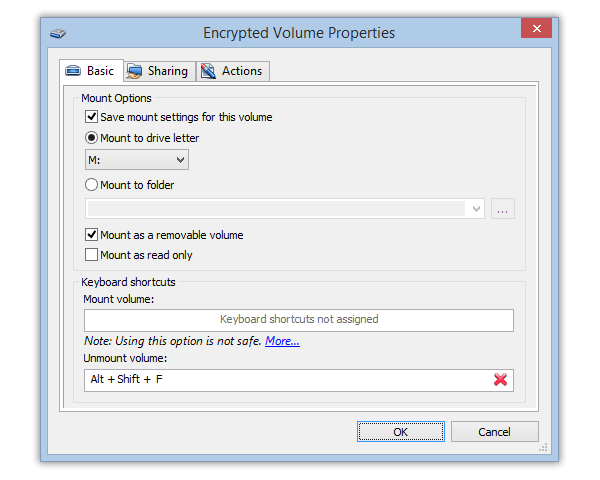
After connecting such a disk to the computer, you should run the Cryptic Disk program, select the disk in the box and start its mounting. As soon as the correct password is entered, a new disk letter will appear in the system, and you will be able to work with the data as usual – the disk will not differ from the ordinary one either for you or for other programs. Upon saving files, they will be automatically encrypted, upon reading - decrypted. Thus, all the information stored on the encrypted disk is protected with strong cryptographic algorithms. You will always need to enter the password in order to get access to the contents of the USB drive upon its further connections to the computer.