German
Russian
EXLADE - Disk encryption. Data encryption. Boot protection. Security and Encryption Solutions Development Company
    English
Home Products Download Purchase Support Articles Partners Press room Contacts  
Products
Cryptic Disk
Disk Password Protection
DefenseWall HIPS
Handy Backup
Related Links
About the program
Getting started
Creating
Deleting
Mounting
Unmounting
Automounting
Multi-user access
Program Launch Protection
Program Settings
Command line support
Newsletter subscription

Cryptic Disk - Multi-user access


Cryptic Disk supports multi-user access to encrypted disks and partitions. It means that each encrypted disk/partition can have its list of users with individual passwords and access rights. The disk administrator (the user who created the disk) or other users authorized by the administrator can manage the list of users.

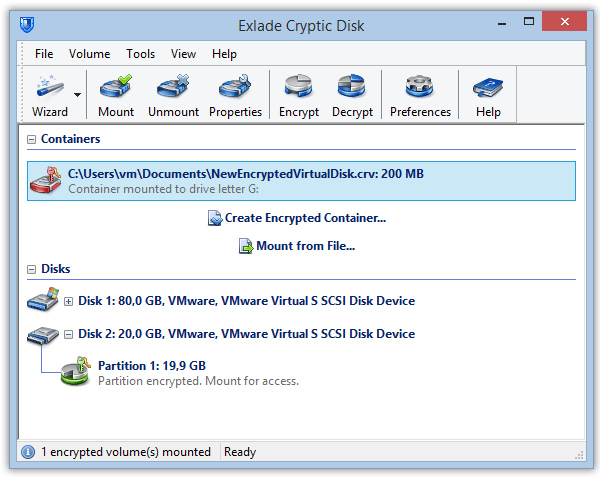
To get access to the list of users, select an encrypted disk or partition (labeled as “ENCRYPTED” or “MOUNTED”) in the main window of the program and select the “User Management” item in the right or upper bar or in the menu. After that, the program will ask you to enter the access password. If the user does not have the right to manage the list of users, he will not get the corresponding access.


This dialog box displays the list of all users of the current disk and allows you to do the following:

Each user can have the following access rights:


    Home  |  Products  |  Download  |  Purchase  |  Site map  |  Privacy Policy