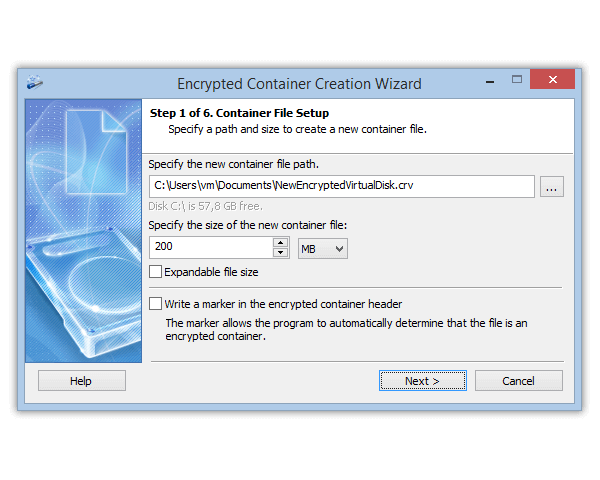
Encrypt Files and Folders
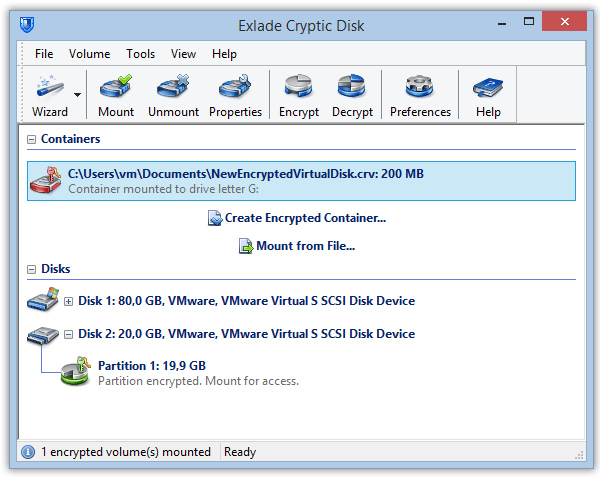
On Drives and Containers
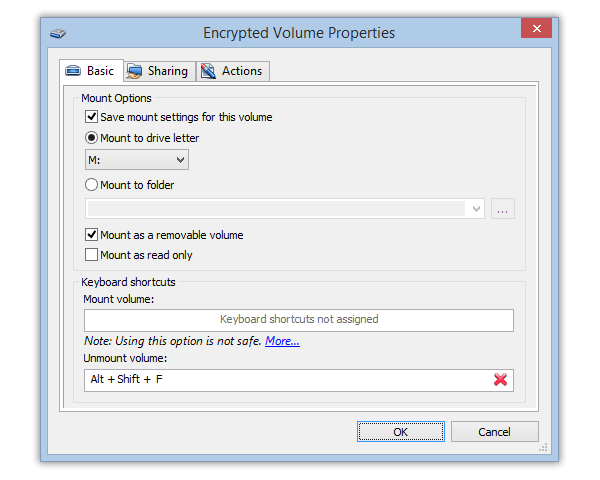
- Encrypt virtual drives
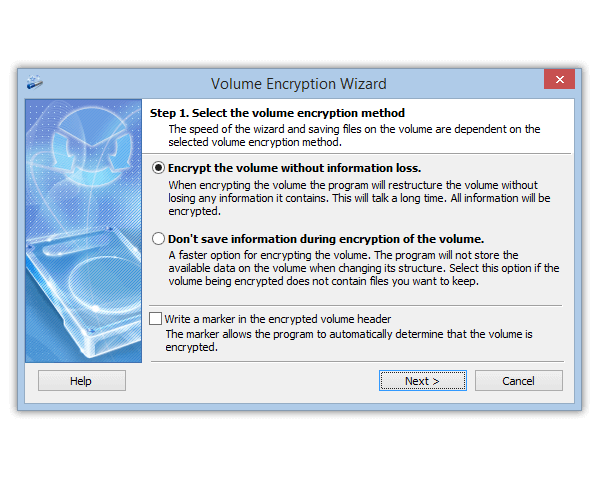
- Encrypt physical drives
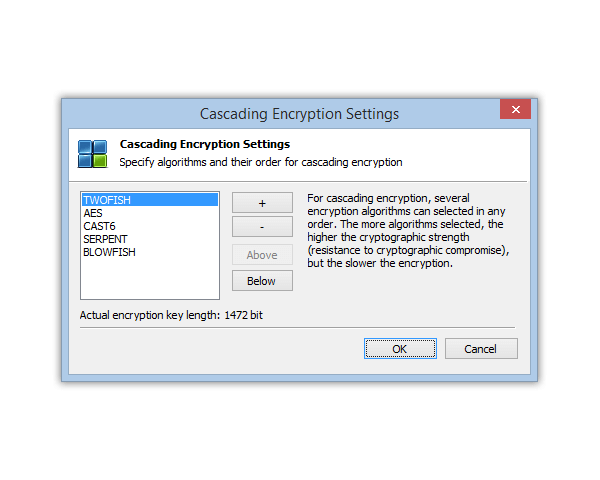
- Encryption keys up to 2,944 bits
- Powerful protection against brute force attacks

A laptop contains personal documents, work projects, correspondence, access keys, and accounts. When a device is lost or...
Protecting personal data is an important task for users of laptops and home computers. Work documents, photos, messages,...
Our new Exlade Cryptic Disk 5.1 features lots of bugfixes and improvements.