German
Russian
EXLADE - Disk encryption. Data encryption. Boot protection. Security and Encryption Solutions Development Company
    English
Home Products Download Purchase Support Articles Partners Press room Contacts  
Products
Cryptic Disk
Disk Password Protection
DefenseWall HIPS
Handy Backup
Related Links
About the program
Getting started
Creating
Deleting
Mounting
Unmounting
Automounting
Multi-user access
Program Launch Protection
Program Settings
Command line support
Newsletter subscription

Cryptic Disk - Unmounting encrypted disks/partitions


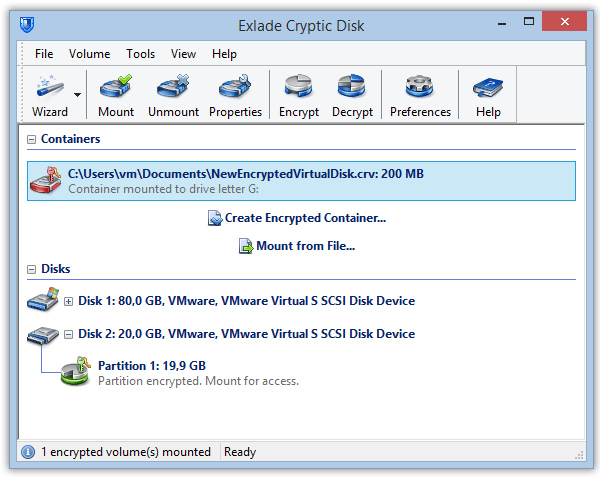
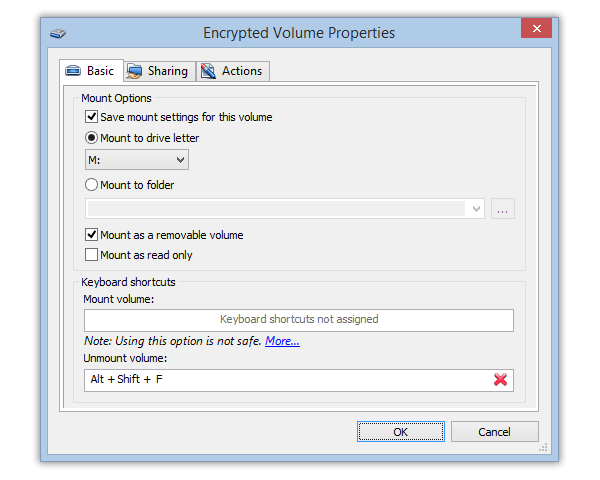
If you are finished working with a mounted encrypted disk, unmount it. All mounted disks/partitions are automatically unmounted when the system is shut down. After the disk/partition is unmounted, all files stored on it are blocked. To do this, select a mounted encrypted disk or partition (labeled as "MOUNTED") in the main window of the program and select the "Unmount the encrypted disk" item in the right or upper bar or in the menu.
No dialog boxes are displayed when you are unmounting the disk. If there are any files opened from the disk being unmounted at the moment, the program will ask you for confirmation.


    Home  |  Products  |  Download  |  Purchase  |  Site map  |  Privacy Policy