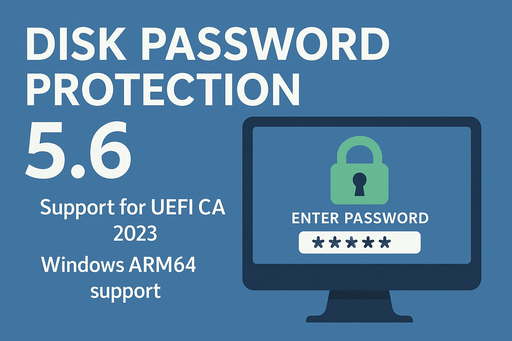
The new version of Disk Password Protection 5.6 introduces support for the latest Microsoft UEFI CA 2023 certificates, improved compatibility with modern systems, and expanded platform support.
Continue reading The new version of Disk Password Protection 5.6 introduces support for the latest Microsoft UEFI CA 2023 certificates, improved compatibility with modern systems, and expanded platform support.
Continue reading
A laptop contains personal documents, work projects, correspondence, access keys, and accounts.
When a device is lost or stolen, not only the hardware is at risk — your information is too.
This guide provides practical recommendations on how to protect data on a laptop from unauthorized access. The material is based on modern security practices and real-world experience with encryption and boot protection.
Continue reading
Protecting personal data is an important task for users of laptops and home computers.
Work documents, photos, messages, financial information, and backups can become accessible to unauthorized individuals if a device is lost, stolen, or temporarily handed over.
Common methods—hidden folders, password-protected archives, or a Windows password—do not provide a sufficient level of privacy.
In this article, we explain how to reliably hide data so that no one can even know it exists. The key solution is hidden volumes, implemented in the program Cryptic Disk.
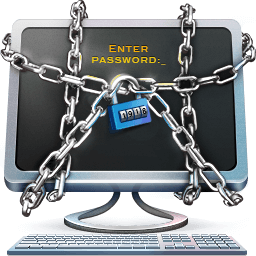
The latest version of Disk Password Protection 5.5 allows you to change the welcome message for the boot protection system.
Continue reading
Is hardware disk encryption sufficiently reliable? Is it true that in the case of the theft of an encrypted disk it is impossible to access information on the media? Let’s try to understand the question.
Continue reading The main innovation in the Disk Password Protection 5.1 is Hidden mode of operating system boot protection. No password prompt is displayed and the computer appears frozen, the computer will only start Windows (or any other operating system) after the correct password is entered and the Enter key is pressed.
Continue reading We’re happy to inform you about a new release of Exlade Cryptic Disk 5.0. We have increased the level of security protection by adding the support of hardware security tokens and smart cards. The support of TrueCrypt keyfiles was also added as well as the user interface was adapted to help people with disabilities more enjoy the power and simplicity of Cryptic Disk.
Continue reading
All the Dropbox files are stored open on the computer. Any person can access them. If you have some important documents, photos or other files and you want to limit other persons access to them, you can encrypt all this data.
Here are some ideas on how to store the Dropbox folder on an encrypted virtual volume. It means that the whole Dropbox folder will be stored on the computer encrypted and the password will be required to access it.
Continue reading
Skype stores openly all the history of your conversation on your computer. It is quite easy to steal the history files and with the help of some special software one can view all the history without your Skype password.
It is not always convenient to stop saving Skype histories as sometimes you might need to search for some important information there. Besides even if you stop saving Skype history the program will still write all the messages to its database and will delete them only upon quitting. And the events history (who and when you talked to) is never deleted from the database.
Here are some ideas on how to protect a Skype profile (including all the histories) by encrypting the profile, i.e. storing profile files on the encrypted volume or in the encrypted container.
Continue reading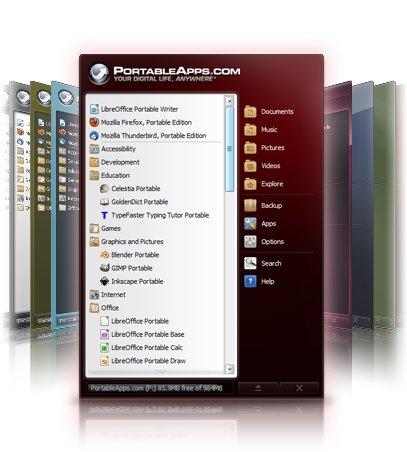
The section tells how to encrypt all your portable software (and their data) that are controlled by PortableApps. It is very easy to encrypt them. You should only place the PortableApps folder with the portable software on the encrypted volume (or in the container).
Continue reading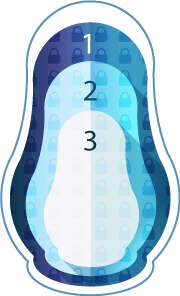
You have created and encrypted a volume or container and want to create a hidden encrypted volume within it. You should remember that it is impossible to prove that such a volume exists.
Continue readingIf there is no encrypted volume or container it is very easy to create one with the help Cryptic Disk. Just go through the instructions:
How to Create an Encrypted Container
How to Encrypt a Volume
All the files on the encrypted volumes are protected against unauthorized access in any type of situation - loss, thievery, computer/laptop withdrawal or an unwanted user by the computer. And, as we say, it is better to be on the safe side.
Continue reading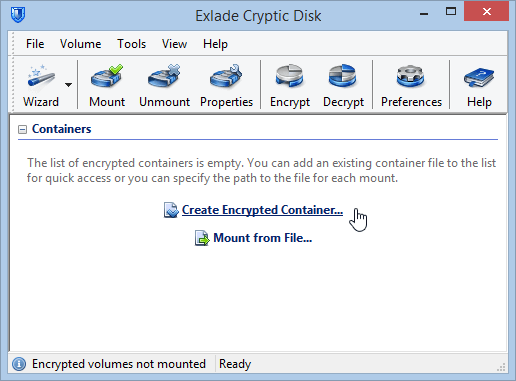
An encrypted container is an ordinary encrypted file that can be connected (mounted) to any free volume letter and you can work with such a volume as with a normal one. Sometimes it is called a virtual encrypted volume. All the data written to the volume is automatically encrypted. Any moment the volume is disconnected (unmounted), the access to the data is blocked. Upon system shutdown all the encrypted volumes are automatically unmounted. To re-mount a volume you have to enter the password (and/or key files) that you have specified upon creating the volume. After you mount the encrypted virtual volume all the files on it become accessible and the software will automatically decipher them when reading (encrypt them when writing). A file in the encrypted container can be copied, moved or deleted, i.e. you can handle it as an ordinary file.
Continue reading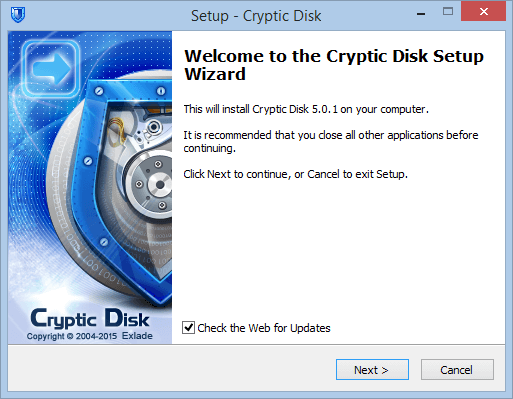
If you haven’t downloaded software’s installation package you can go to:
www.exlade.com/en/cryptic-disk/download
Run the downloaded package (double left-click the installation file).
Continue reading
We are glad to announce the release of a new free version of Cryptic Disk with TrueCrypt support.
Continue reading Exlade announces a complete relaunch of the professional Disk Password Protection utility that was designed to provide comprehensive protection for the user’s data stored on their computers against any unauthorized access.
Continue reading Exlade Company announces a new version of Cryptic Disk 3.1 - a powerful encryption tool for file containers and physical disks.
Continue reading